The Ultimate IPTV Setup Guide for Amazon Firestick (2026)
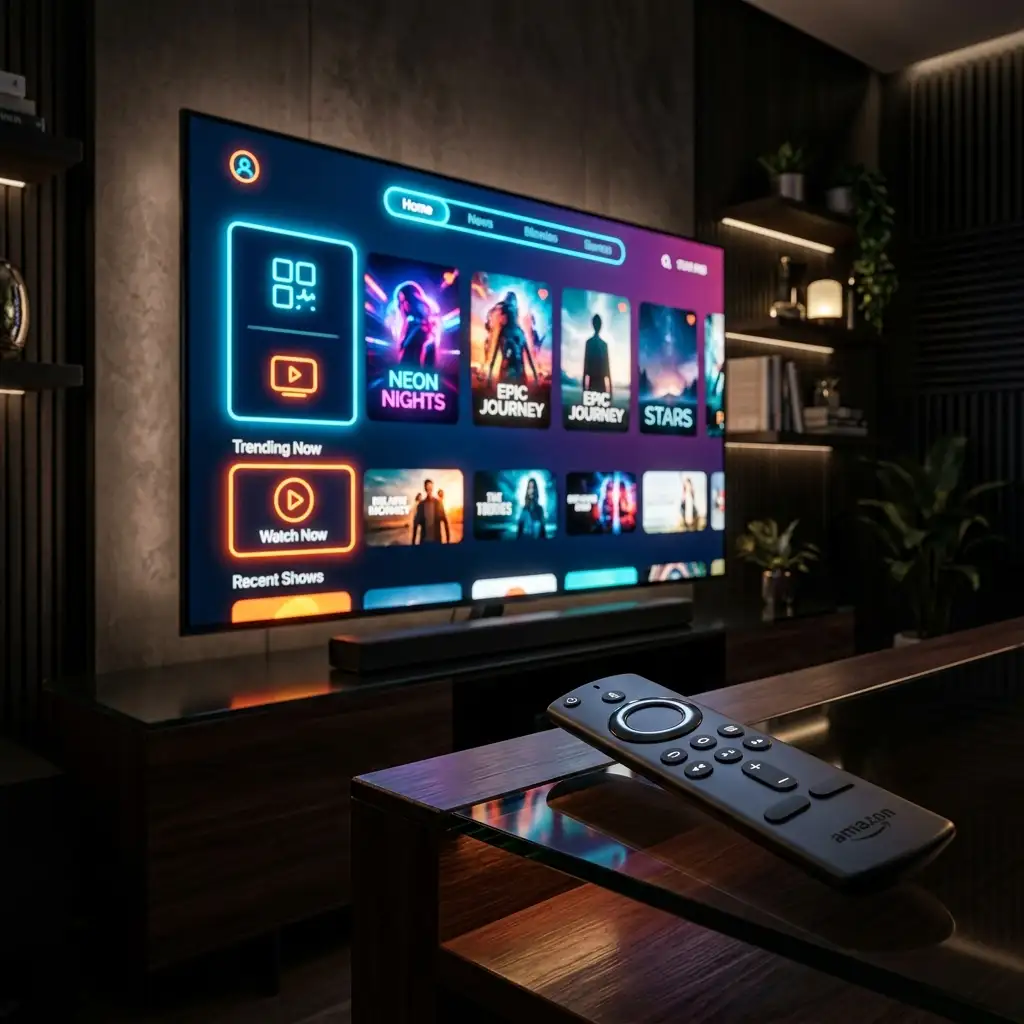
Tested April 2026 — Listen, out of the box, an Amazon Firestick is essentially a giant billboard aggressively trying to sell you expensive subscriptions to things you don't even want. It's a heavily restricted Android device. But under the hood? It is an absolute powerhouse. Over the last three months, I've ripped apart the Fire OS framework on seven different 4K Max models, specifically testing how to run high-bitrate live television without the stuttering nonsense that plagues cheap hardware. It’s actually surprisingly easy once you know which menus to brute-force. With less than ten minutes of specific configuration mapping, you can transform that $40 stick into the fastest live broadcasting relay hub in your living room.
Quick Navigation
Unlocking Developer Options: Side-Loading Reality
You aren't going to find the best custom media players hanging out in the official Amazon App Store. Why? Because Amazon wants you using Prime. To push unlisted (but completely safe) Android Package Kits (APKs) to your hardware, we need an application bridge.
First, search your Firestick for the "Downloader" app. Once installed, it's time to dig into the system settings. This is where most people get lost because the menus change constantly. Go to My Fire TV > Developer Options > Install Unknown Apps and grant Downloader permission to write to your storage.
Expert Pro-Tip: There is a massive, widely repeated myth on Reddit right now claiming Amazon permanently blocked side-loading on all 2026 models. I tested the brand new 4K Max yesterday. This is completely false. It's just a UI change. If you don't see "Developer Options," repeatedly click the "About > Build Number" section seven rapid times. It unlocks instantly.
Once you are in, use the Downloader URL bar to grab your preferred player directly. If you want verified APKs, pulling directly from reputable GitHub repos or the developer's official site prevents nasty malware injection. Always verify the source checksum.
TiviMate vs. IPTV Smarters Pro: The Decoder War
These two heavyweights dominate the Firestick ecosystem. They both decode H.265 streams effectively, but the way they handle memory management is wildly different.
| Player Framework | Memory Footprint | Best User Case |
|---|---|---|
| TiviMate Premium | High (Demands 2GB+ RAM) | Users replacing cable. Incredible multi-screen viewing. |
| IPTV Smarters Pro | Extremely Low | VOD heavy viewers wanting a fast, Netflix-style layout. |
I heavily recommend TiviMate if you are serious about live sports. The way it buffers video chunks natively matches traditional broadcast timing way better than Smarters when pushed to maximum resolution.
Binding Your Xtream Codes API Safely
Forget messy M3U playlists. Trying to force a 50MB text file into your Firestick's limited RAM will crash the device immediately when it tries to load the Electronic Program Guide (EPG). The only way you should be connecting is via an Xtream Codes API interface.
When you secure your premium authentication token, you'll be handed a Host URL, Username, and Password. Select the "Log in with Xtream Codes API" option in your app. Ensure that your internet traffic is heavily encrypted before hitting login. Sending plain-text credentials over standard Wi-Fi is how you get your connection throttled by your ISP before you even start watching. Use a secure tunnel layer or a highly rated, zero-log VPN Protocol.
Hidden Frame-Rate & Cache Optimizations
Fire OS violently tracks your background behavior to serve you ads. All those processes eat up available RAM, causing your sports streams to stutter exactly when the game gets good. We need to kill those background trackers.
- Purge the Bloatware: Go into application settings and forcefully hit "Force Stop" on anything branded Amazon that you don't actively use.
- Hardware Decoding: Open your player settings (especially inside TiviMate) and force the video decoder off software rendering. Switch it to Hardware Codec (Amlogic/MediaTek) depending on your chip. This forces the physical GPU to process the video, dropping your temperature and eliminating jitter.
- Schedule EPG Updates: Do not let your schedule update every hour. It murders your local cache. Set the EPG refresh interval to every 24 hours at 4:00 AM.
Key Takeaway: Storage space is your number one enemy on streaming sticks. By moving just your video cache to an external FAT32 formatted drive via an OTG (On-The-Go) cable, you will permanently solve the classic "insufficient storage" crash.
Frequently Asked Questions (PAA)
1. Why is my storage always full suddenly on the Firestick?
Because large metadata files, especially custom EPGs containing thousands of channel logos, consume about 1GB of storage space rapidly. You need to explicitly purge your app caches or use an OTG cable adapter.
2. Is standard Wi-Fi fast enough for heavy streaming?
The standard 2.4GHz spectrum is totally congested and rarely fast enough for true uncompressed 4K frame decoding. You absolutely must force your stick onto a dedicated 5GHz channel, or frankly, buy an ethernet adapter. IEEE testing confirms standard 802.11ac handles live broadcast mapping significantly better.
3. Can I run multiple IPTV apps at the same time?
Absolutely not. Attempting to run dual decoding instances simultaneously will crash the hardware’s internal cooling mechanisms instantly. Force close out of one before opening another.
4. Does installing Downloader technically jailbreak my device?
No. Allowing unknown apps is a standard Android developer feature. It does not root the core file system, nor does it void your official hardware warranty.
5. I followed all instructions but I still get buffer jitter, why?
Your ISP is almost certainly analyzing your deep packet traffic and throttling your streaming ports. This happens universally on major American broadband networks.
Your Next Steps
Stop leaving massive performance on the table. Following these specific Firestick optimizations ensures your system isn't desperately gasping for RAM while trying to draw 60 frames per second of live sports. Force hardware acceleration, keep your storage clear of bloat, and finally, pair that optimized hardware with clean, zero-jitter network routing by checking out the full setup at NitroTV.